
This app runs inside the BotGentz browser extension. Don't have it yet? Get the extension →

Screenshot Cropper and Annotator for Sharing
Social Media Tools · All
0 installs · Verified BotGentz app
CategorySocial Media Tools
PlatformAll
Pricing
$2.99 once
Installs0
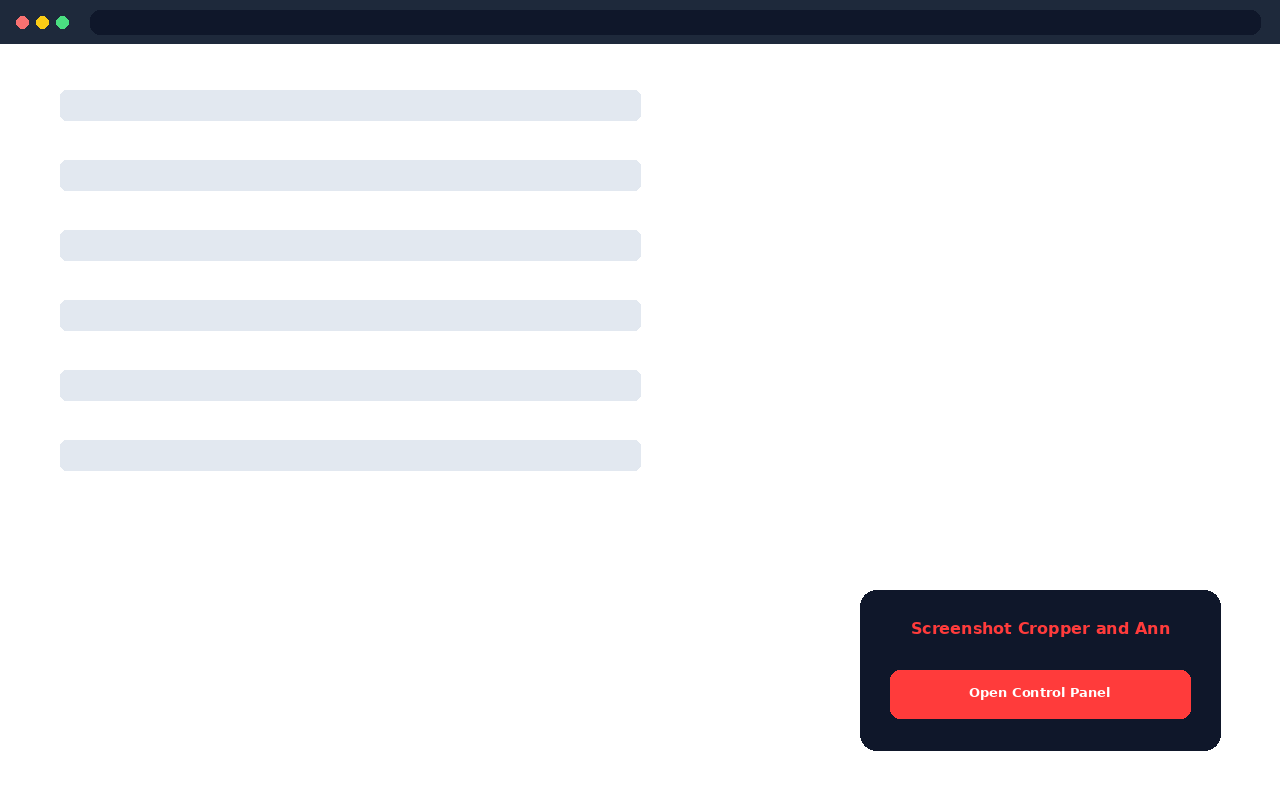
About this app
A raw, uncropped screenshot full of extra browser chrome and unrelated content looks messy in a post or a reply.
Upload a screenshot, crop it down to just the relevant part, then draw arrows, boxes, or add text to point out exactly what matters.
Pick colors for your annotations so they stand out clearly against the screenshot underneath.
Undo your last annotation instantly if a line or box does not land where you wanted.
Export the cleaned-up, annotated screenshot as a single image ready to share anywhere.
Great for explaining a bug, highlighting a reply, or walking someone through a screen without needing a full video.
Similar Apps

Photo Grid Splitter for Feed Posts
Splits one photo into a clean 3x3 or 3x1 grid, ready to post as a set.
$4.99
Square Photo Cropper for Social Posts
Crop any photo to a perfect square, or any platform's preferred ratio, with a draggable guide.
$3.99

Photo Border and Frame Adder
Adds a clean border, colored frame, or polaroid-style edge to any photo before you post it.
$2.99

Meme Text Overlay Maker
Adds bold, classic meme-style text to the top and bottom of any photo in seconds.
$1.99
Quote Card Creator for Social Sharing
Turns any quote or thought into a clean, styled card image ready to share.
$2.99

Story Cover Icon Maker
Creates matching, minimal cover icons for your story highlights so your profile looks designed, not thrown together.
$2.49