ClickUp Time Tracking Summary Badge
Free to download on every platform. Comes pre-installed on BotFone, BotPad and BotFlip — with extra free apps included.
About this app
WHAT IT DOES
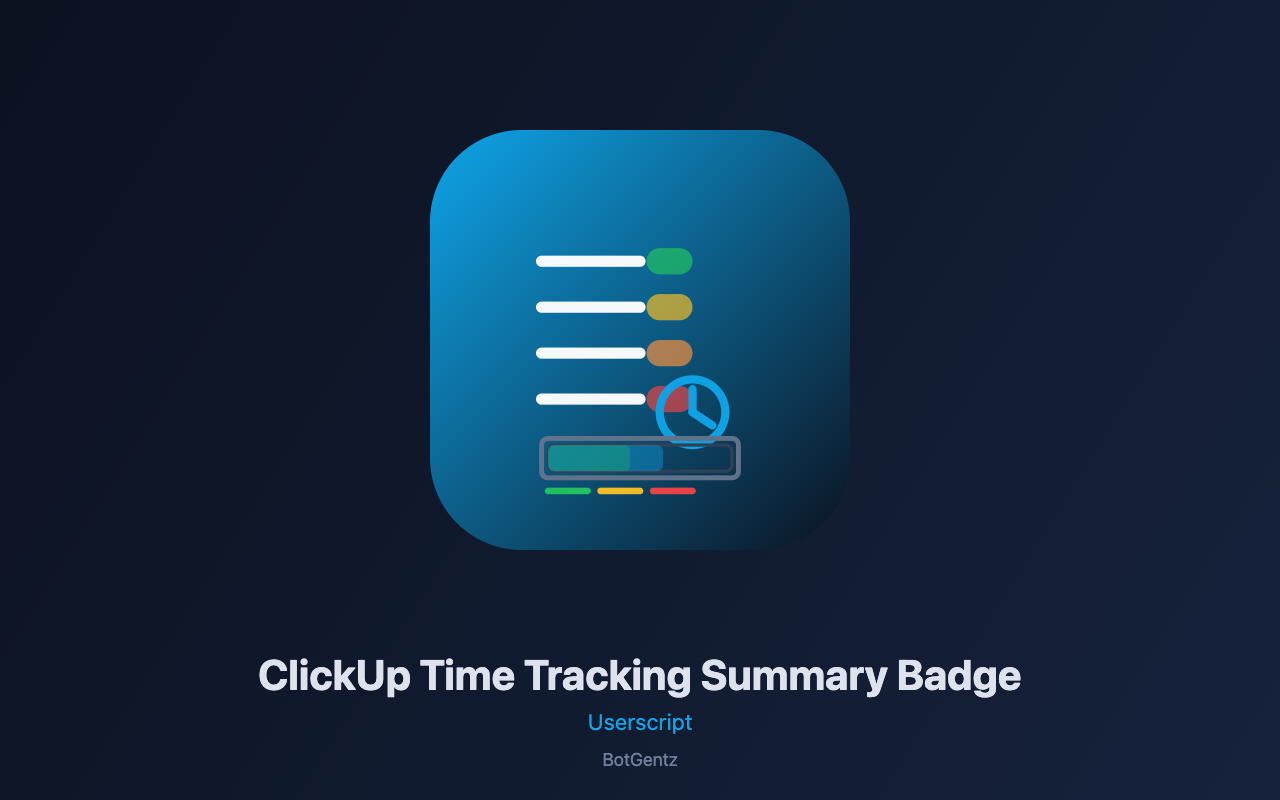
This userscript adds visual time tracking intelligence to ClickUp by displaying compact badges next to each task showing tracked time, and optionally remaining time. It automatically reads estimated time, tracked time, time remaining, and time entries from task lists, board views, and individual task views. Each badge is color-coded based on budget status: green for under budget (tracked time is significantly below estimate), yellow for at budget (within threshold), and red for over budget (exceeding estimate). The script also provides a comprehensive summary panel showing total estimated time, total tracked time, total remaining time, and budget status distribution across all visible tasks. An aggregate view groups time tracking statistics by status, helping you see which status categories are consuming the most time.
WHERE IT RUNS
The script activates on all ClickUp task views including list views (clickup.com/list/*), board views (clickup.com/board/*), and individual task views. It works across all ClickUp workspaces and automatically detects time tracking data as tasks load or scroll into view.
HOW TO USE
After installation, navigate to any ClickUp task list or board containing tasks with time estimates and tracked time. The script automatically scans visible tasks, extracts time tracking data, and adds color-coded badges next to each task title showing tracked time. The summary panel displays overall statistics including totals and budget status distribution. Click "Refresh Tracking Data" to manually rescan, or adjust settings to customize badge format (HH:MM vs decimal hours), toggle remaining time display, show/hide the summary panel, and configure over/under budget thresholds. Use the "Copy Summary" button to export statistics to your clipboard.
THE ACTUAL REASON IT WORKS
Unlike time tracking dashboards that rely on ClickUp's API (which requires OAuth tokens and has rate limits), this script performs real-time DOM scraping optimized for ClickUp's React-rendered interface. It uses a multi-strategy extraction approach: first targeting data-testid attributes and class patterns specific to ClickUp's time tracking elements, then falling back to regex-based text extraction from task content. The script identifies time tracking data by looking for patterns like "2h / 4h" (tracked/estimated), "Estimated: 4h", "Tracked: 2h", and "Remaining: 2h". It also extracts status information and aggregates statistics using client-side calculations. Budget status is determined by comparing tracked time against estimated time with configurable percentage thresholds. The badge injection uses DOM insertion methods that preserve React event handlers, ensuring ClickUp's interactivity remains intact.
THE PANEL
The panel is fully draggable by its header and remembers its position across page loads using GM_setValue. It collapses to a small icon when minimized, preserving workspace. Press Escape or click the × button to close the panel. The panel includes a summary grid showing total estimates, tracked time, remaining time, and budget status counts (over/under/at budget), a progress bar visualizing overall completion, an aggregate-by-status view, and settings controls for badge format, remaining time display, summary visibility, and threshold configuration.
PLEASE NOTE
This userscript requires the free BotGentz extension to run. The script reads only time tracking data visible on the current page - it does not load additional items beyond what is rendered in the viewport. For large boards, ensure all tasks are loaded by scrolling before relying on the summary data. ClickUp periodically updates its interface, which may affect time data detection; we actively maintain the script for compatibility. The script does not send any data to external servers - all processing occurs locally in your browser. Time tracking data is extracted from the page's displayed content; tasks with hidden or collapsed time tracking fields may not be captured.
Similar Apps