
This app runs inside the BotSurf browser. Don't have it yet? Get the app or extension now!

Cursor Trail Highlighter for Low Vision
Accessibility · All
0 installs · Verified BotGentz app
Launch App
Opens in BotSurf — try it free, no account needed.
CategoryAccessibility
PlatformAll
Pricing
Free
Installs0
Download BotSurf to use — free
No account needed for free apps. Once BotSurf is open, find this app in Apps from the + menu.
Download for
iOS
App Store
Download for
Android
Google Play
Download for
Windows
.exe installer
Download for
macOS
.dmg universal
Download for
Linux
.AppImage
Try BotSurf in your browser — no install
Free to download on every platform. Comes pre-installed on BotFone, BotPad and BotFlip — with extra free apps included.
About this app
WHAT IT DOES
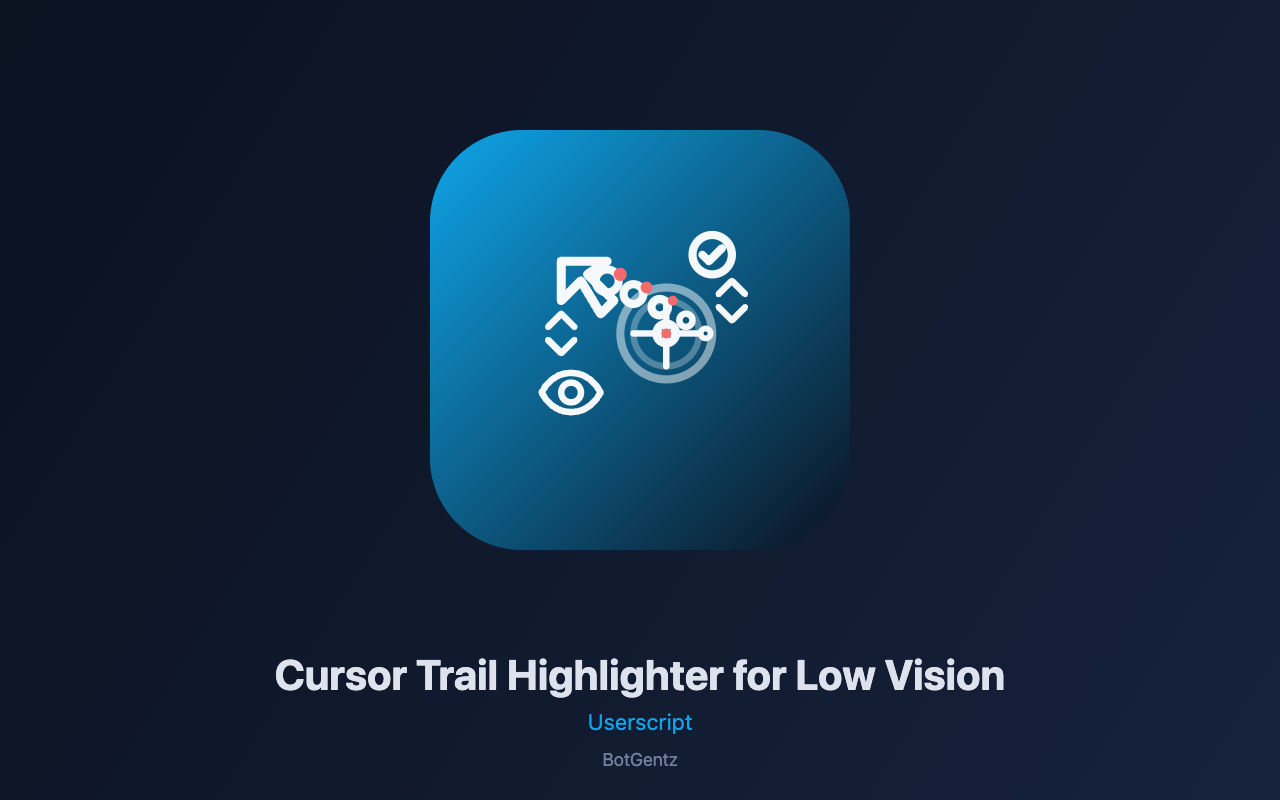
This script creates a high-visibility cursor trail that follows your mouse pointer, making it easier to track cursor position for users with low vision, cognitive disabilities, or anyone who struggles to see the default cursor. Choose from four modes: dots (fading trail of colored dots), line (connected trail forming a path), spotlight (a large dim circle illuminating the area around the cursor), or crosshair (a precision targeting reticle). Customize trail length, color, size, opacity, and fade duration. A status badge shows whether the trail is active, and the panel provides full configuration.
WHERE IT RUNS
The script works on any page where mouse tracking is needed—websites, web applications, documents, and any page with interactive content. It works on any website regardless of framework, and even tracks the cursor inside iframes when possible.
HOW TO USE
After installation, the cursor trail activates automatically. A badge appears showing the trail status. Click the badge to open the panel. Customize: enable or disable the trail, choose trail mode (dots, line, spotlight, crosshair), set trail length (3-50), choose trail color, adjust dot/line size (2-40px), set opacity (0.1-1.0), configure fade duration (100-3000ms), show/hide the crosshair (when in crosshair mode), set crosshair color and size, show/hide the status badge, and choose badge position. Click "Clear Trail" to remove all trail elements. Settings are saved and persist across sessions.
TECHNICAL MECHANISM
The script uses a multi-stage cursor tracking and trail rendering pipeline. First, it attaches a `mousemove` event listener to capture cursor position. Second, it uses `requestAnimationFrame` for smooth rendering and performance optimization. Third, for dot mode, it creates `` elements positioned at the cursor with progressive fading: each dot's opacity decreases as the trail lengthens, and a setTimeout triggers a fade transition. Fourth, for line mode, it connects consecutive dots with SVG-like lines using CSS transforms for rotation and positioning. Fifth, for spotlight mode, it creates a large fixed element with a radial gradient centered on the cursor. Sixth, for crosshair mode, it renders a reticle with horizontal and vertical lines meeting at a center dot. Seventh, it removes dots after their fade duration to prevent memory leaks. The script handles mouseleave by clearing the trail and handles iframe cursor tracking where cross-origin allows.
THE PANEL
The settings panel is fully draggable and can be positioned anywhere on your screen. It automatically snaps to the nearest edge when released, keeping your workspace organized. The panel can be collapsed to a small bubble showing only a gear icon, and restored with a single click. Its position is remembered across page reloads using GM_setValue. The panel also responds to the Escape key, which instantly hides it until you click the bubble again. All settings are saved immediately when changed and persist across browser sessions.
PLEASE NOTE
This script requires the free BotGentz extension to run. The cursor trail may affect page performance on very complex pages or with very long trail lengths—adjust trail length down if needed. The script does not access, store, or transmit any personal data or browsing history. All processing happens locally in your browser and never leaves your device.
Similar Apps

Medication Schedule Reminder Overlay for Caregivers
Turns medication info into a caregiver schedule—dose times, countdowns, and printable charts for better care.

Recipe Dietary Restriction Filter Overlay
Visually filters recipe ingredients by dietary restrictions—highlight safe items, flag restricted ones, or hide them entirely.
Medium Paywall Reading Mode
Removes Medium paywall overlays and restores full article visibility with scrolling and selection.

RTL Layout Test Toggle
Toggles RTL mode to test internationalization readiness with layout issue detection and export.

Screen Brightness Auto-Scheduler
Automatically adjusts screen brightness and warmth based on sunrise/sunset schedule with floating indicator.

Colour Contrast Checker
Check WCAG text contrast ratios by clicking any element, with visual highlighting for failures and compliance analysis.