Vocabulary Frequency Highlighter on Foreign Text
Free to download on every platform. Comes pre-installed on BotFone, BotPad and BotFlip — with extra free apps included.
About this app
WHAT IT DOES
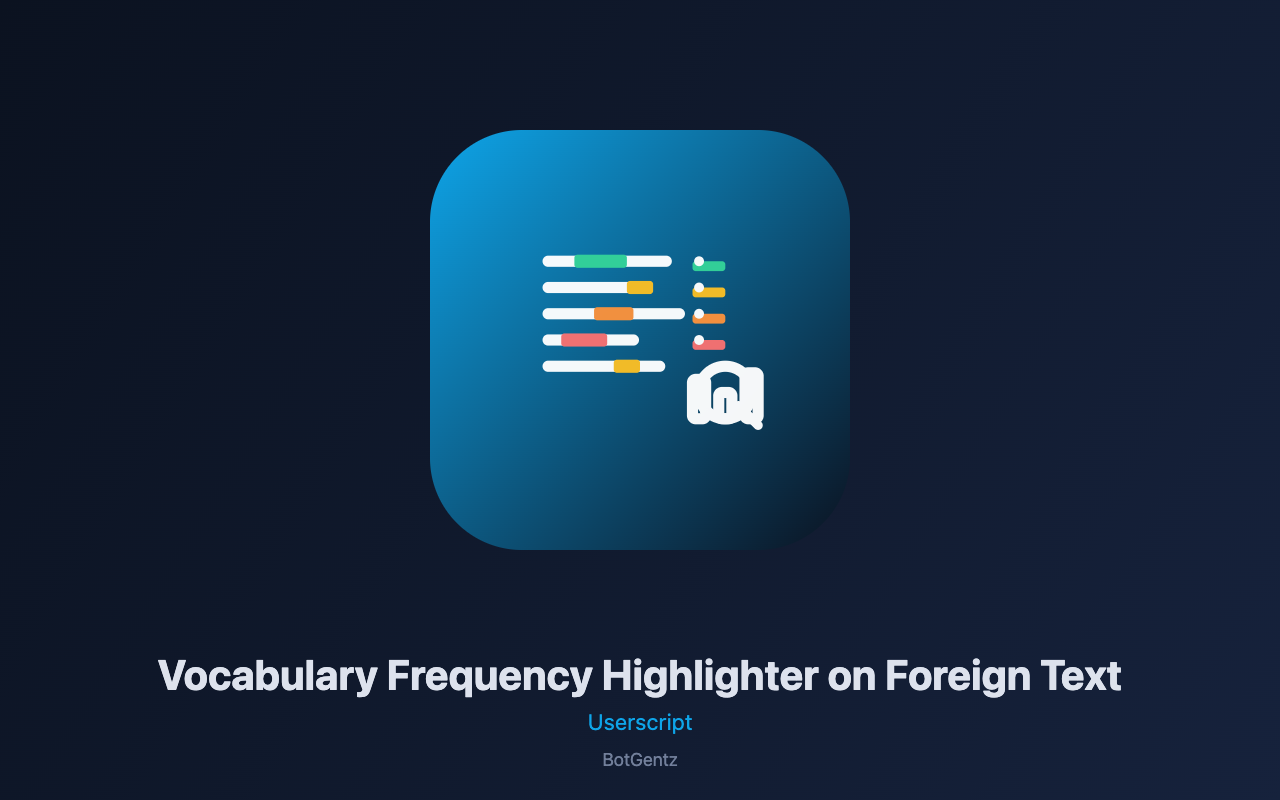
Vocabulary Frequency Highlighter on Foreign Text is a visual learning tool that transforms any foreign language webpage into a color-coded vocabulary map. It scans the text and highlights each word based on its frequency tier—green for high-frequency words (1-1000 most common), yellow for medium (1001-5000), orange for low (5001-10000), and red for rare (10000+). This color system instantly shows you which words are worth memorizing (high-frequency) and which are niche vocabulary (rare). The tool comes with built-in frequency lists for Spanish, French, German, and English, and you can upload custom frequency lists for other languages. A panel overlay displays a legend explaining the color scheme, statistics showing how many words you encountered in each tier, and a summary of your reading comprehension level based on the frequency distribution. Hover over any highlighted word to see its frequency rank, making it easy to prioritize your vocabulary study.
WHERE IT RUNS
This script runs on any webpage containing foreign language text—news articles, blog posts, literature, social media, or academic content. It operates entirely within your browser tab, scanning the page's text nodes and applying color highlighting. The script cannot access other tabs, your browsing history, bookmarks, downloads, or any data outside the current page. All settings—including target language, color scheme, hover translation preference, and minimum word length—are stored locally using GM_setValue and never transmitted anywhere.
HOW TO USE
After installing with the BotGentz extension, navigate to any foreign language webpage and click "Highlight Page" in the panel. The script scans all text content on the page and applies color highlighting to words based on their frequency tier. The panel shows a legend with the color scheme and a statistics summary showing how many words you encountered in each frequency band. Hover over any highlighted word to see its frequency rank (e.g., "casa (freq: 600)"). Use the target language dropdown to switch between Spanish, French, German, and English frequency lists. Choose from three color schemes (Default, Subtle, Dark) to match your visual preference. Adjust the minimum word length to filter out very short words. Click "Clear Highlights" to remove all highlighting, and "Copy Stats" to export the frequency statistics for analysis or sharing.
THE REAL MECHANISM
The script uses a built-in frequency dictionary for each supported language, mapping words to their frequency rank (1 = most common). When "Highlight Page" is clicked, the script traverses all text nodes in the DOM using a TreeWalker, filtering out content inside script and style tags. For each word, it strips punctuation and converts to lowercase, then looks up the word in the frequency map. If found, the word is wrapped in a span element with a background color determined by its frequency tier: green for ranks 1-1000, yellow for 1001-5000, orange for 5001-10000, red for 10000+. The script counts words in each tier and computes total highlighted words. The hover-to-show-translation feature stores the frequency rank in the span's title attribute, which appears as a tooltip on hover. All word processing is done with safe DOM manipulation, replacing text nodes with styled spans without using innerHTML from untrusted content.
THE PANEL
The Vocabulary Highlighter panel is a BGPanel component that you can drag anywhere on your screen by its header. It snaps to the nearest edge when released, keeping your workspace organized. The panel collapses to a small bubble showing only the emoji icon when minimised—click to expand it again. You can resize the panel horizontally to see more of the statistics and settings. Press the Escape key to collapse the panel instantly. Your panel position and size are saved per-site.
PLEASE NOTE
This script requires the free BotGentz browser extension to function. The built-in frequency lists are based on general corpora and may not perfectly reflect every domain or dialect. For specialized reading (medical, legal, technical), consider uploading a custom frequency list. The highlighting is applied to the visible page content only; dynamically loaded content (e.g., infinite scroll, AJAX-loaded sections) may not be highlighted unless you re-run the script. The script never reads or writes password fields, hidden inputs, or file inputs. It stores only your target language, color scheme, hover translation preference, and minimum word length locally. No page content, vocabulary data, or personal information is ever collected, transmitted, or shared.